
Network Security Services San Francisco: Protect Your Business Data and Prevent Downtime
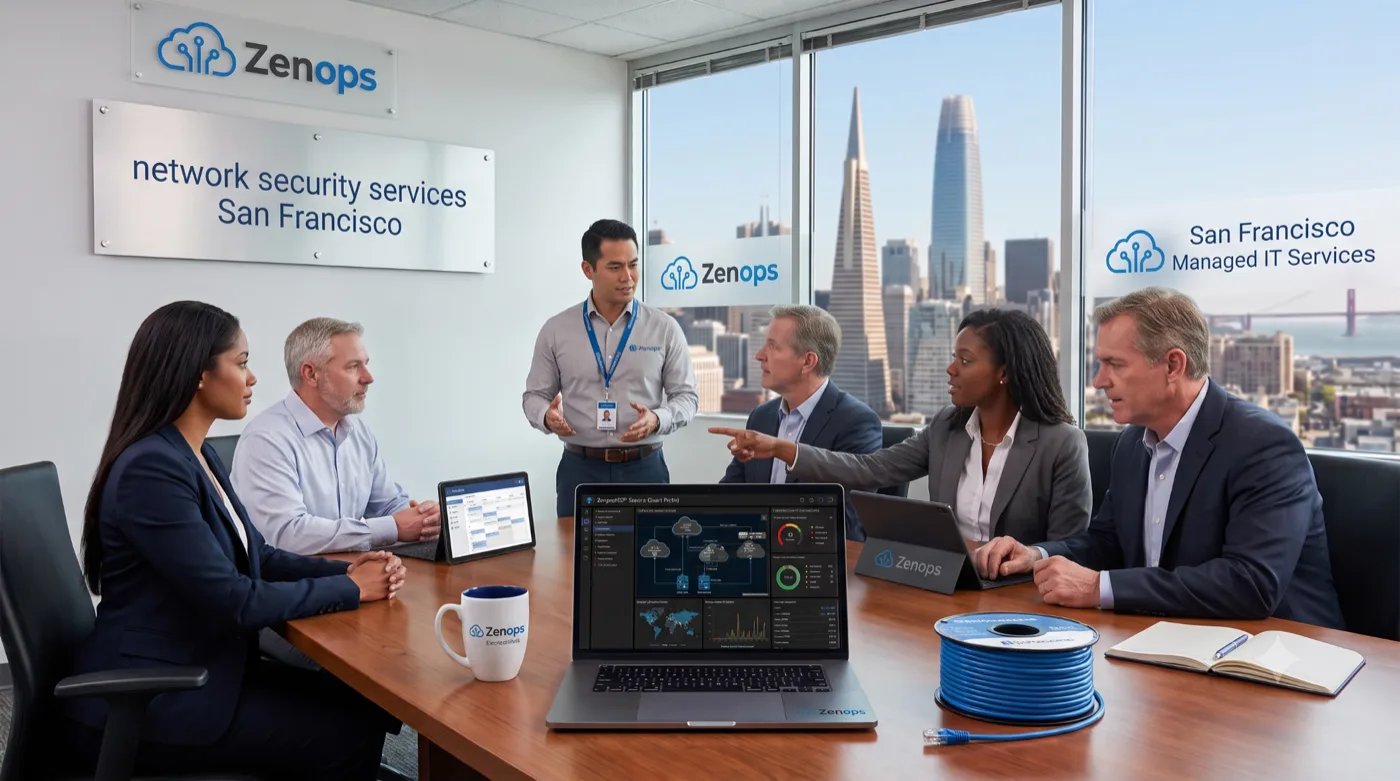
Running a business in the San Francisco Bay Area means relying on digital tools every day. Growing threats like ransomware, phishing, and unauthorized data access put daily operations at risk. At ZenOps, we help companies stay ahead of hackers and unexpected network failures. Choosing network security services San Francisco businesses can rely on helps protect confidential client files, support industry compliance efforts, and avoid high emergency repair bills.
Quick Answers
Are network security services worth it? For most businesses handling sensitive data, yes. Professional network security helps prevent costly cyberattacks, keeps operations online, and protects customer files.
Why do businesses choose network security services in San Francisco? Local companies choose specialized network security to reduce unexpected downtime, support data privacy obligations, and get dedicated technical oversight.
Why Data Protection Matters for Bay Area Businesses
Modern companies handle valuable records, payment details, and employee information. A data breach can freeze operations for days and damage client trust. Comprehensive network security creates multiple layers of defense around your digital infrastructure.
Local financial and healthcare firms in particular face rigorous data privacy standards. Without proper encryption and firewall management, small businesses remain frequent targets for hacking groups.
- Reduce Ransomware Risk: Help stop malicious files from locking critical company drives.
- Support Regulatory Efforts: Help work toward HIPAA, PCI-DSS, and California Consumer Privacy Act requirements.
- Protect Brand Reputation: Preserve customer confidence by securing confidential records.
How Network Security Can Help Control Costs
Structured cybersecurity investment can help avoid larger unplanned costs down the road. Emergency incident recovery and non-compliance penalties tend to cost far more than ongoing managed defense.
| Feature | Managed Network Security | Break-Fix IT Support |
|---|---|---|
| Cost Model | Predictable monthly fee | Unpredictable emergency bills |
| Threat Prevention | Proactive 24/7 monitoring | Reactive fix after damage occurs |
| Downtime Risk | Lower, due to early detection | Higher, due to prolonged outages |
| Data Backups | Automated and routinely verified | Manual or often forgotten |
Why Proactive Monitoring Matters
Waiting for a server or firewall to fail before calling for support leaves your network exposed. Proactive monitoring helps catch security vulnerabilities and hardware issues before they become full system outages.
- Continuous scans flag unauthorized login attempts quickly.
- Routine patch updates close known software security gaps.
- Automated backups support faster recovery if something goes wrong.
To learn more about strengthening your daily defenses, contact our team today.
Supporting Business Growth With Managed IT
As your company grows, so does your technology footprint. Adding workstations, remote employees, or cloud storage requires a flexible system architecture. Partnering with a managed IT services provider supports that kind of scalability.
- Onboarding remote workforce devices with multi-factor authentication.
- Expanding cloud server resources without sacrificing network safety.
- Providing responsive small business IT support local owners can count on.
What to Expect From Managed Network Security
Consider a hypothetical example: a local professional services firm dealing with frequent network slowdowns and unverified backups. After moving to managed network security, a business in this situation would typically see fewer unplanned outages, faster helpdesk response, and more predictable monthly IT costs as monitoring and patching become consistent. Actual outcomes depend on your starting environment, which is why we begin with an assessment rather than a blanket promise — and no provider can promise full regulatory compliance, since that also depends on your internal policies and controls.
Why Choose a Local San Francisco IT Provider?
Working with an IT partner in the Bay Area means faster, more localized support. Whether your business is in downtown San Francisco, Contra Costa County, or the surrounding East Bay, local engineers can deliver both quick remote response and on-site support when hardware issues arise.
AI Overview
Network security services help local organizations defend digital networks against cyberattacks, data theft, and costly downtime. IT partners deliver ongoing network monitoring, layered firewalls, data encryption, and employee awareness training. Protecting company infrastructure supports smoother operations, helps with compliance efforts, and reduces unplanned tech repair expenses.
Key Takeaways
- Reduce Downtime: Proactive network checks help catch problems before outages happen.
- Improve Cybersecurity: Help stop ransomware, malware, and phishing attempts early.
- Lower IT Costs: Predictable pricing helps avoid expensive emergency repairs.
- Support Compliance Efforts: Work toward California data privacy standards with structured controls.
- Scale Smoothly: Expand cloud tools and remote staff securely.
Ready to Improve Your IT?
Protect your San Francisco business from evolving cybersecurity threats. Connect with our team at ZenOps to arrange a network security audit and help keep your business data safe.
Frequently Asked Questions
What are network security services? Network security services protect your company’s digital infrastructure using firewalls, data encryption, continuous monitoring, and intrusion detection to help stop unauthorized access.
Why do small businesses in San Francisco need network security? Small businesses are frequent targets for hackers. Professional network security helps protect sensitive files, reduce costly downtime, and maintain customer trust.
How often should network security checks be conducted? Security checks and patch updates should happen continuously, with comprehensive network audits completed at least once or twice a year.
Can network security support remote workers? Yes. Managed network security typically includes secure VPNs, multi-factor authentication, and encrypted access for remote team members.
What is the difference between managed security and break-fix IT? Managed security provides continuous proactive monitoring to help prevent issues, while break-fix IT only responds after a system failure occurs.